AI Coach (Beta) Is Here! Ask About Your Games and Find the Shots Behind the Answers
Meet your in-app AI Coach
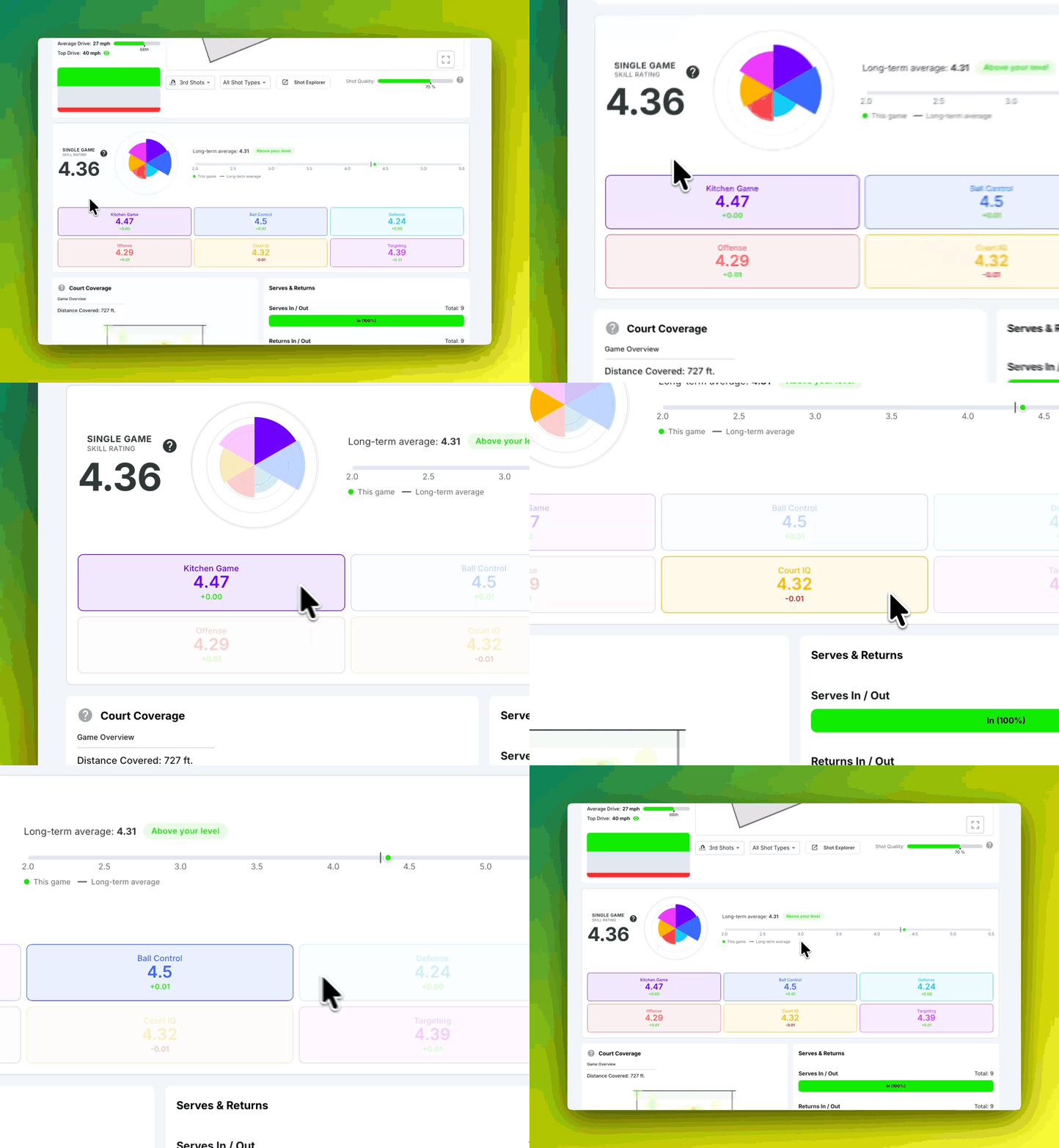
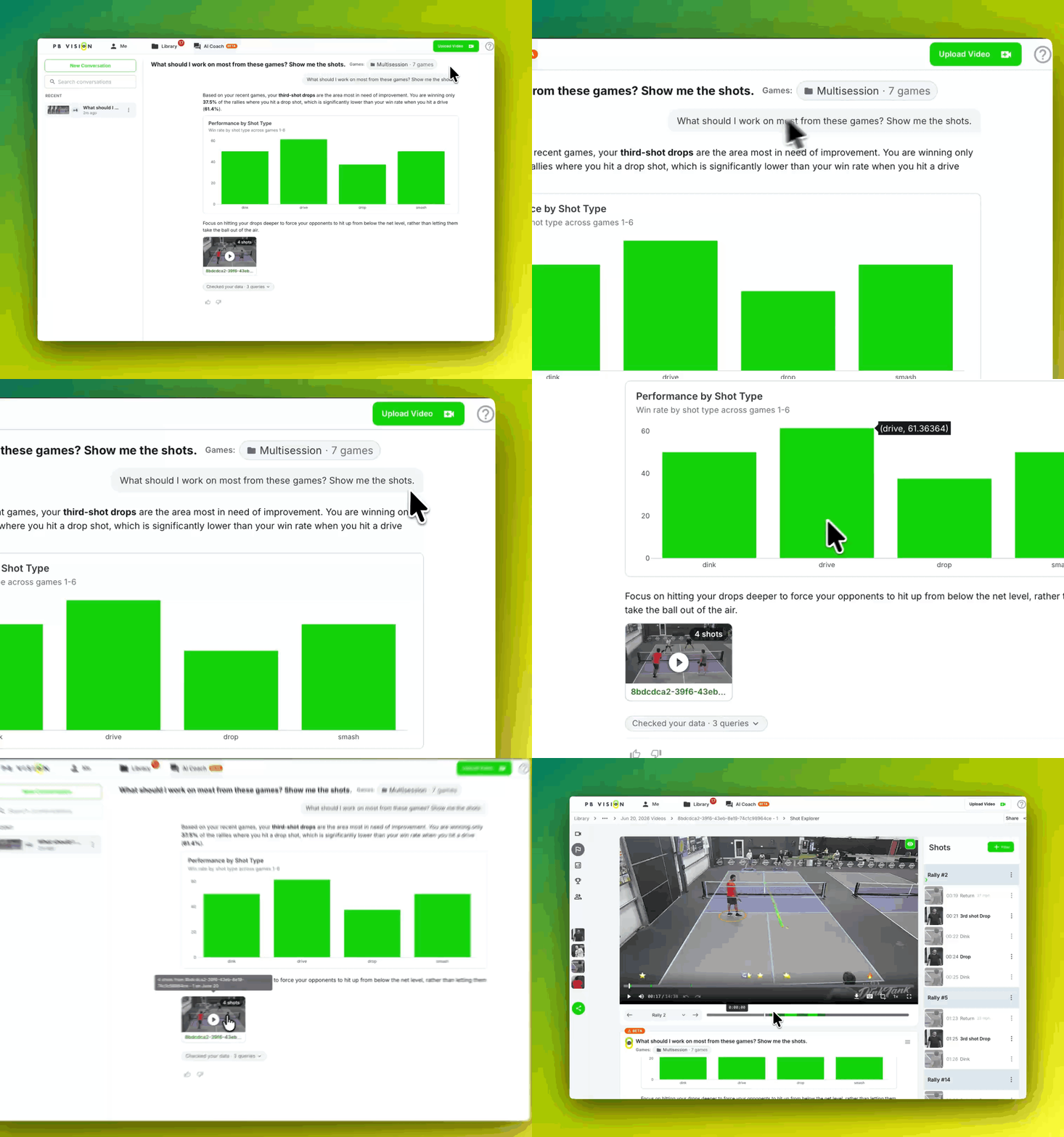
Ask questions about a processed game, compare patterns across selected games, and get takeaways, charts, and relevant shots to review.
Start with "What should I work on from this game?" and ask follow-up questions as you explore. Open a game's AI Coach card or select games from the AI Coach tab.
Find shots by describing them
Shot Explorer now includes Ask in English. Try "show my third-shot drops," then apply the results to watch the matching shots. Manual filters are still available under Advanced → Select shot filters.
Explore your data with PBQL
Want a custom stat table or a more specific query? Open the game's action menu and choose Explore with PBQL. You can write queries, save them, and export results as CSV.
Coaching usage
Subscribers receive a weekly AI coaching allowance. AI Coach and Ask in English use coaching allowance or credits, separately from video analysis minutes. Visit Settings → AI Usage for your balance and reset time.
See AI Coach in action (look below the video), then try it with your own games. Share your feedback with us while it's in beta!