Video Controls, Bookmarks, Markup, Exports
Learn the current video player tools and player controls for reviewing PB Vision games.
Exporting Clips
Export AI highlights, saved bookmarks, selected segments, or rally-only videos as MP4 files. Rally-only exports remove idle time between rallies.
Keyboard Shortcuts
See more here:
Player Controls
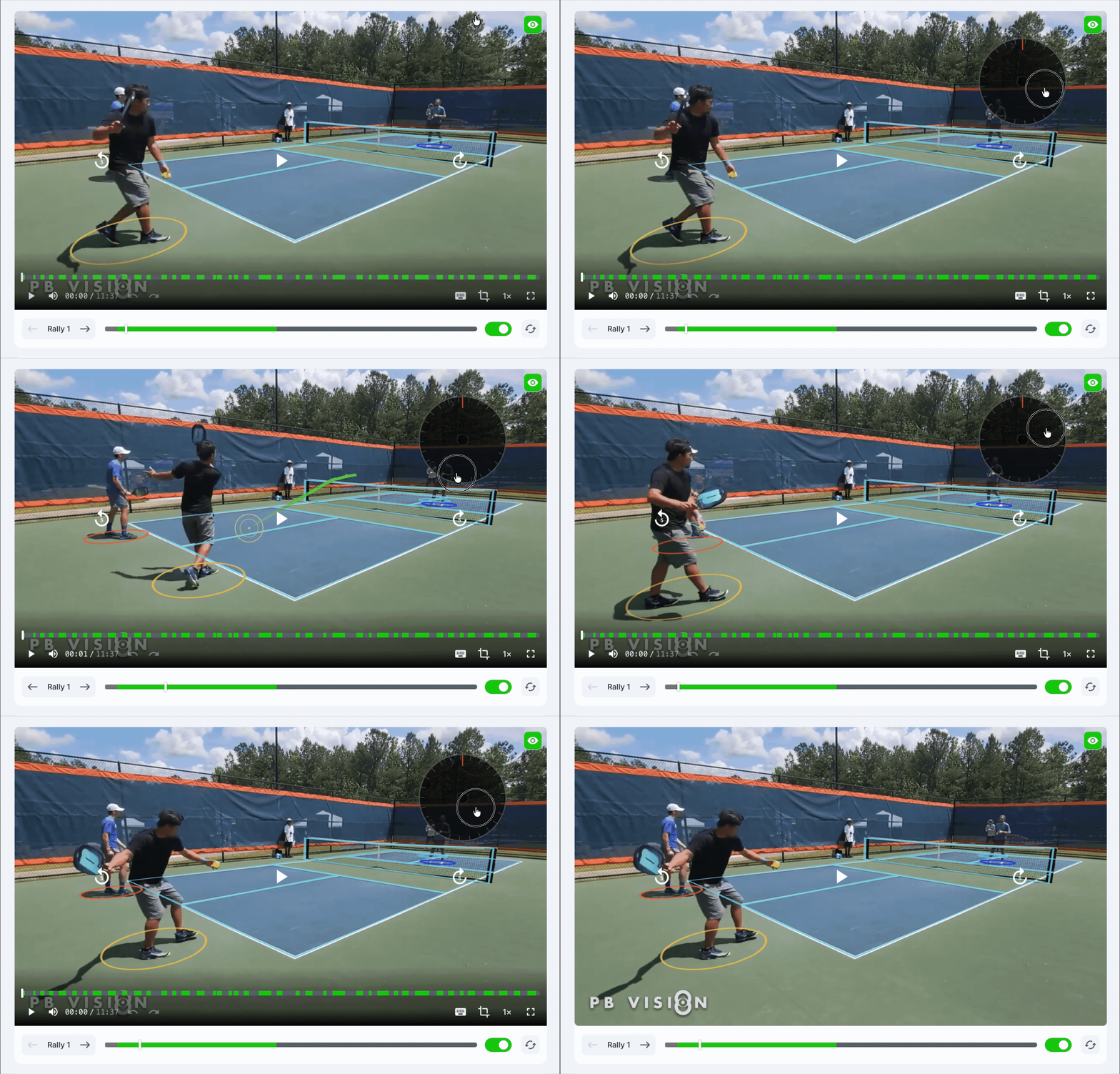
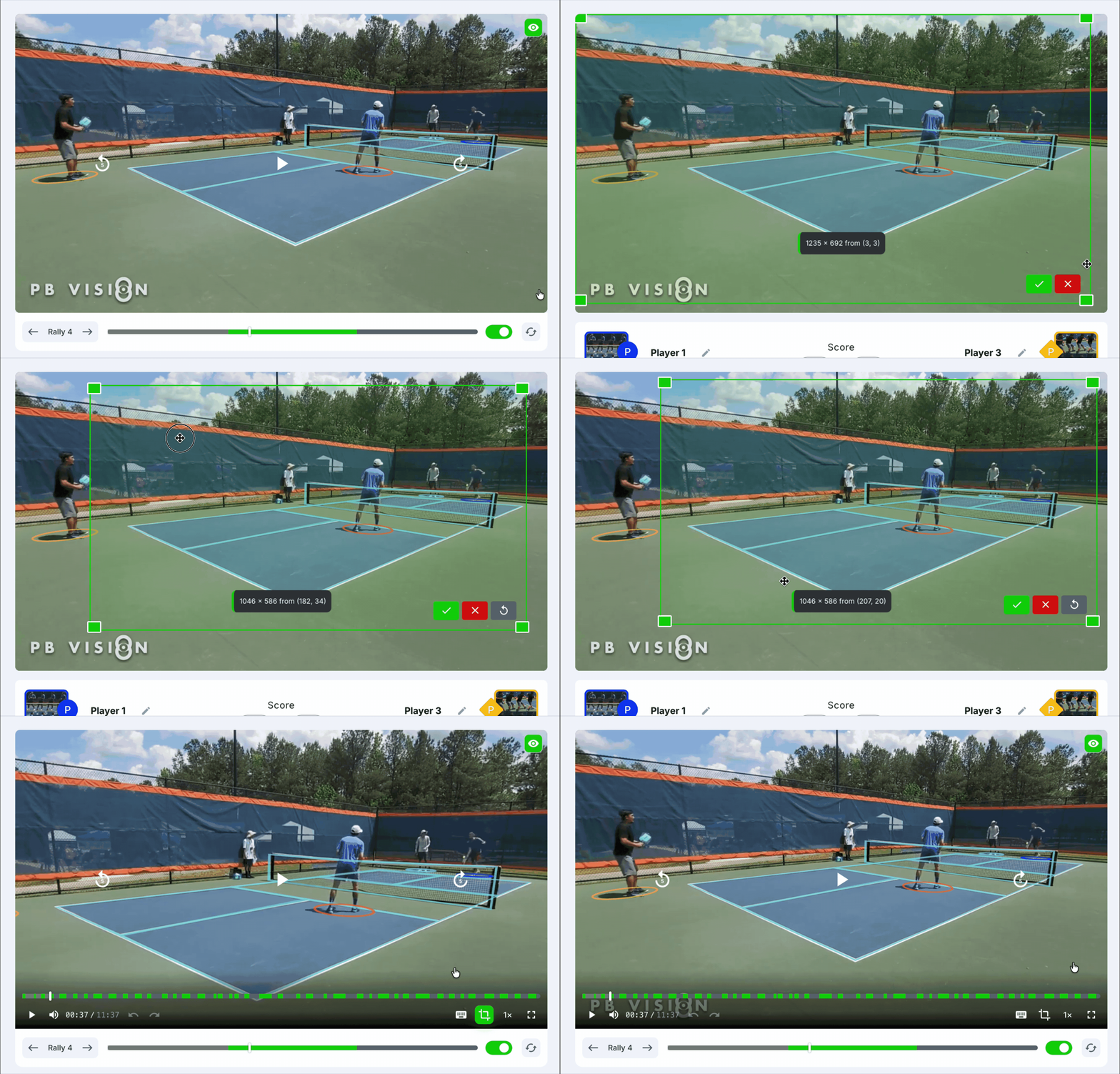
The timelines show rallies, bookmarks, and idle time so you can move through the game quickly. Auto-Skip moves through dead time using the active Rallies or Bookmarks mode, while Loop repeats the current rally or bookmark. Crop helps focus the video view. On supported devices, fullscreen and AirPlay controls are available from the player UI.
On desktop, use the Rallies / Bookmarks selector above the right-hand list to switch between rally and bookmark navigation. The list follows the video as it plays and highlights the current item. On phones, the selector remains below the video.
For complete bookmark instructions, see Bookmarks: Save & Review Key Moments.
Was this helpful?
Still need help? Share an idea